AutoCAD Architecture: Features, Benefits, and Real-World Applications in Modern Design
AutoCAD Architecture is a specialized version of Autodesk’s widely recognized AutoCAD software, designed specifically for architects, designers, and construction professionals. Unlike standard AutoCAD, this tool provides purpose-built features tailored to streamline architectural design, documentation, and drafting processes.
By combining advanced 2D drafting capabilities with 3D modeling functions, AutoCAD Architecture bridges the gap between conceptual design and practical construction. It allows professionals to visualize spaces, plan details, and generate construction documents efficiently while maintaining design accuracy and compliance with standards.
What Makes AutoCAD Architecture Different
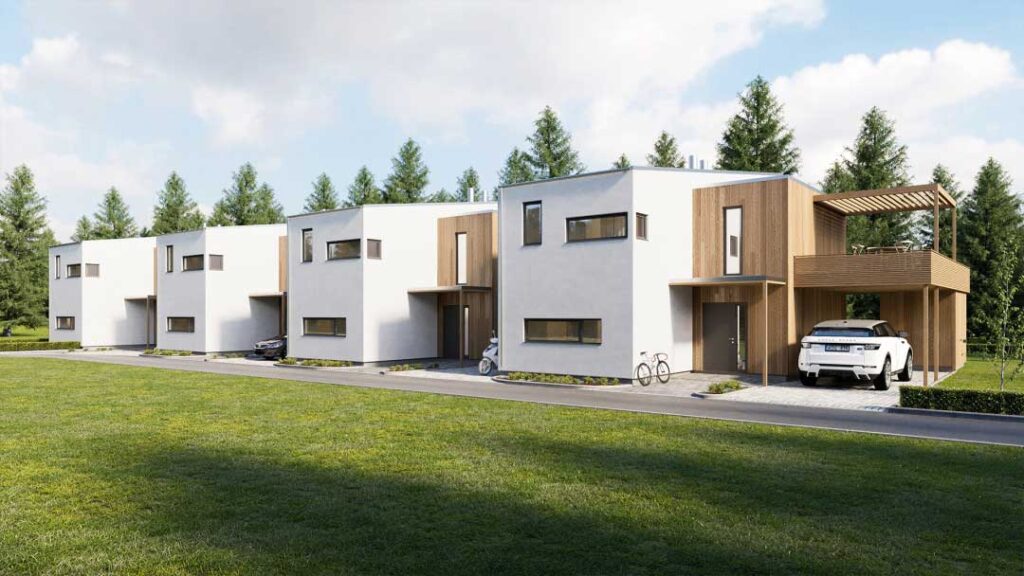
AutoCAD Architecture stands apart from traditional CAD tools because it integrates architectural-specific objects and features. Instead of drawing basic lines and shapes, users can work with intelligent components such as walls, doors, windows, roofs, and stairs. These elements behave like real-world architectural parts, making design more intuitive and efficient.
For example, when an architect places a window into a wall, the software automatically adjusts the wall to fit. This smart behavior reduces errors, increases speed, and helps maintain consistent documentation. AutoCAD Architecture also includes libraries of pre-built architectural elements that simplify repetitive tasks and enhance productivity.
Core Features of AutoCAD Architecture

Intelligent Architectural Objects
One of the most powerful features is the use of intelligent objects. Instead of simple geometric entities, architects work with data-rich components that carry information about dimensions, materials, and relationships. This allows for more accurate modeling and easier changes throughout the design process.
Intelligent objects also ensure coordination across drawings. A change made in one part of the project is automatically reflected in related views and documentation, reducing inconsistencies.
2D and 3D Integration
AutoCAD Architecture excels in combining 2D drafting with 3D visualization. Designers can create floor plans and sections while simultaneously generating 3D models. This integration allows architects to better communicate their vision to clients and stakeholders.
The ability to switch between 2D drawings and realistic 3D perspectives ensures clarity in design intent. It also helps identify potential issues early, saving time and costs during construction.
Automated Documentation
The software automates many aspects of documentation. For instance, when creating floor plans, elevations, or schedules, AutoCAD Architecture automatically updates all related drawings when changes occur. This feature minimizes repetitive work and ensures that all documents remain consistent and up-to-date.
Automated scheduling for doors, windows, and materials provides accurate data for construction and procurement. This not only speeds up workflows but also reduces errors associated with manual calculations.
Real-World Examples of AutoCAD Architecture in Use
Example 1: Designing Residential Homes
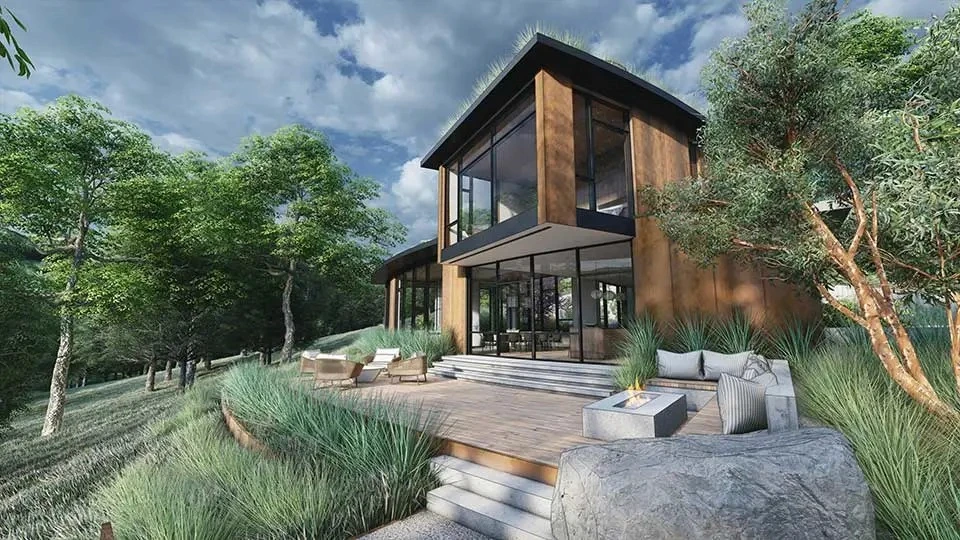
AutoCAD Architecture is frequently used for designing residential homes. Architects can quickly draft floor plans, add details like doors and windows, and generate realistic 3D visualizations to present to clients. The software’s library of residential components speeds up design work and helps architects experiment with layouts efficiently.
For homeowners, this means they can see their future house in a virtual 3D model before construction begins. It reduces misunderstandings between architects and clients, ensuring satisfaction with the outcome.
Example 2: Commercial Building Projects
Commercial projects such as office complexes and retail centers often involve complex requirements. AutoCAD Architecture makes it easier to design these large-scale projects by offering precise control over multiple floors, mechanical layouts, and structural details.
For example, a shopping mall project can be modeled with accurate measurements, lighting plans, and interior layouts. Automated scheduling ensures that materials are accounted for, reducing waste and improving project management. This shows how the software streamlines the complexity of commercial construction.
Example 3: Educational Facilities
Schools and universities have unique design challenges, including space planning for classrooms, laboratories, and communal areas. AutoCAD Architecture enables architects to create efficient layouts that support functionality and safety.
By visualizing these spaces in 3D, architects can test traffic flow, accessibility, and spatial relationships before construction begins. This reduces costly modifications and ensures that facilities meet the needs of students and staff effectively.
Example 4: Restoration of Historic Buildings
AutoCAD Architecture is also used in restoration projects. Architects can create detailed models of historic structures, documenting every element before renovations begin. This ensures accuracy in preserving original features while allowing modern upgrades.
For instance, restoring a century-old theater requires attention to detail in both aesthetics and safety standards. AutoCAD Architecture provides the precision necessary to honor the original design while adapting the structure for modern use.
Benefits of Using AutoCAD Architecture
Improved Efficiency and Accuracy
AutoCAD Architecture reduces the time spent on repetitive tasks by automating documentation and providing pre-built architectural components. This efficiency allows architects to focus on creativity and problem-solving rather than manual drafting.
Accuracy is another major advantage. Intelligent objects ensure that dimensions and relationships remain consistent, minimizing errors that could cause delays or costly rework during construction.
Enhanced Collaboration
Modern architectural projects involve multiple stakeholders, from engineers to contractors. AutoCAD Architecture supports collaboration by allowing seamless sharing of models and documentation. Stakeholders can review designs in detail, reducing misunderstandings and ensuring smooth communication.
By providing a shared platform, the software enables everyone involved to contribute effectively, leading to better project outcomes.
Visualization and Communication
One of the greatest benefits of AutoCAD Architecture is its ability to transform technical drawings into visual experiences. 3D models help clients and stakeholders understand the project without needing to interpret complex blueprints.
This visualization improves decision-making, as clients can request changes early in the design phase. It also fosters stronger trust between architects and clients, as both share a clear understanding of the project.
Sustainability and Resource Management
AutoCAD Architecture helps in planning energy-efficient designs. By modeling natural light, ventilation, and material use, architects can minimize energy consumption and resource waste. Automated material schedules further ensure that procurement is efficient and environmentally conscious.
This focus on sustainability aligns with modern architectural practices, where reducing environmental impact is increasingly critical.
Practical Use Cases of AutoCAD Architecture
Solving Space Optimization Challenges
Architects often face the challenge of maximizing usable space in limited areas. AutoCAD Architecture allows them to experiment with layouts and test multiple design options virtually. This ensures that every square meter is used efficiently without sacrificing comfort or aesthetics.
For example, in urban housing projects, space optimization is crucial to provide affordable and functional living spaces. AutoCAD Architecture makes these designs feasible and accurate.
Reducing Errors in Large-Scale Projects
Large construction projects are prone to errors if documentation is inconsistent. AutoCAD Architecture’s automated updates and intelligent objects significantly reduce these risks. Changes made in one drawing automatically update across all related documents, ensuring consistency.
This capability is particularly useful in skyscraper or infrastructure projects, where even small errors can lead to significant delays and costs.
Streamlining Renovations and Remodeling
Renovation projects require architects to adapt existing structures to new needs. AutoCAD Architecture provides precise measurements and modeling tools to plan renovations accurately.
Whether converting an old office into modern apartments or updating a public facility, the software allows architects to anticipate challenges and resolve them before construction begins. This results in smoother renovation processes and cost savings.
Frequently Asked Questions
1. What is AutoCAD Architecture used for?
AutoCAD Architecture is a specialized CAD software for designing, documenting, and visualizing architectural projects. It provides intelligent architectural objects, automated documentation, and 3D modeling tools that streamline the entire design process.
2. How is AutoCAD Architecture different from standard AutoCAD?
While AutoCAD is a general-purpose CAD tool, AutoCAD Architecture is tailored for architects. It includes pre-built architectural components, smart object behavior, and automated features that reduce manual work and improve accuracy.
3. Can AutoCAD Architecture handle both small and large projects?
Yes. AutoCAD Architecture is versatile enough for small residential homes as well as large commercial, institutional, and restoration projects. Its features scale with project complexity, making it suitable for a wide range of applications.